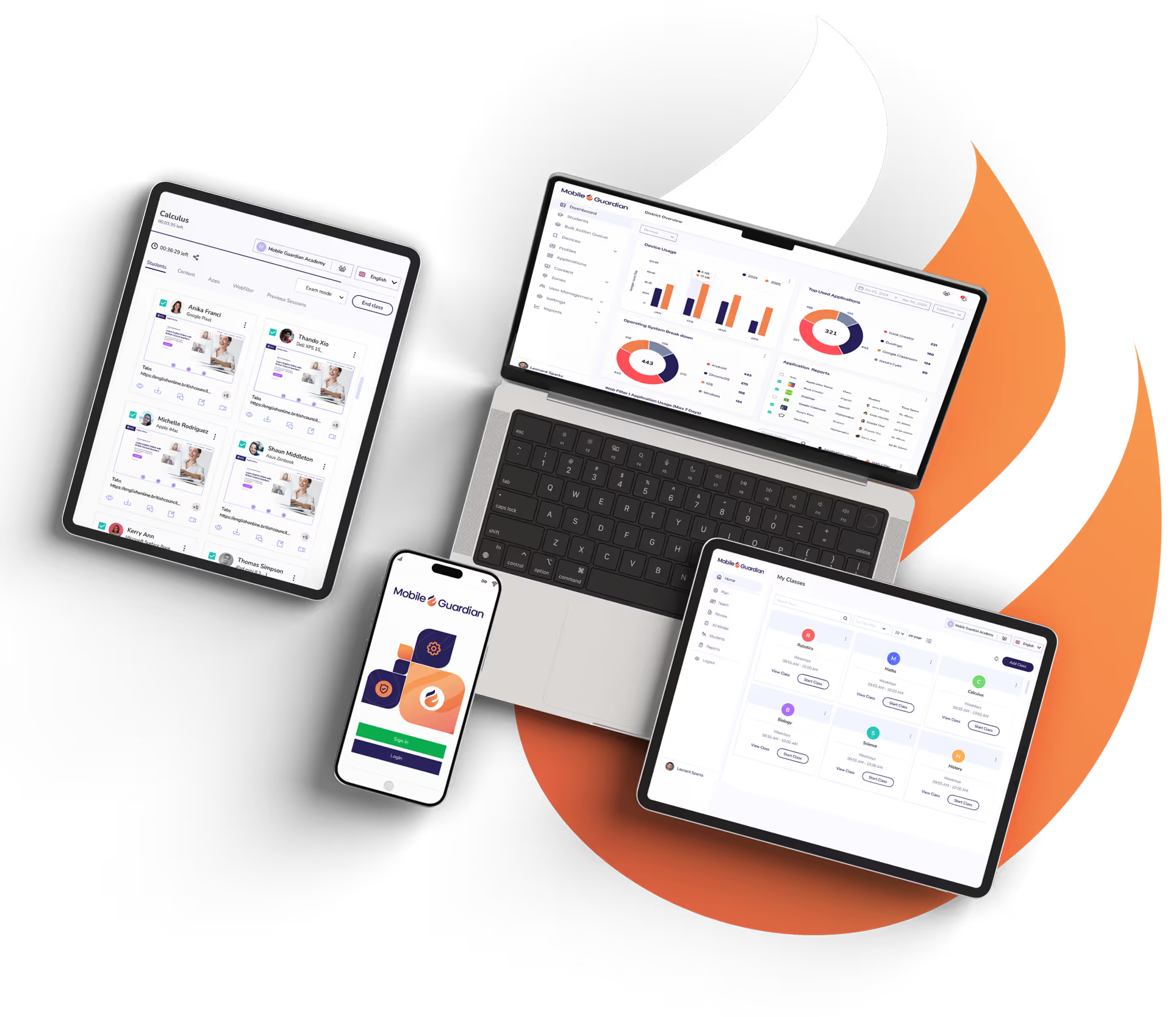
Mobile Guardian is the unified device safety and management platform for K-12 education. Protect students online, empower teachers, and simplify technology governance all via One Platform.

Discover all you need to know about Android and Mobile Guardian.
Discover all you need for managing Apple devices with Mobile Guardian.
Discover our full feature set for ChromeOS devices with Mobile Guardian.
Discover how your Windows devices will benefit from Mobile Guardian.




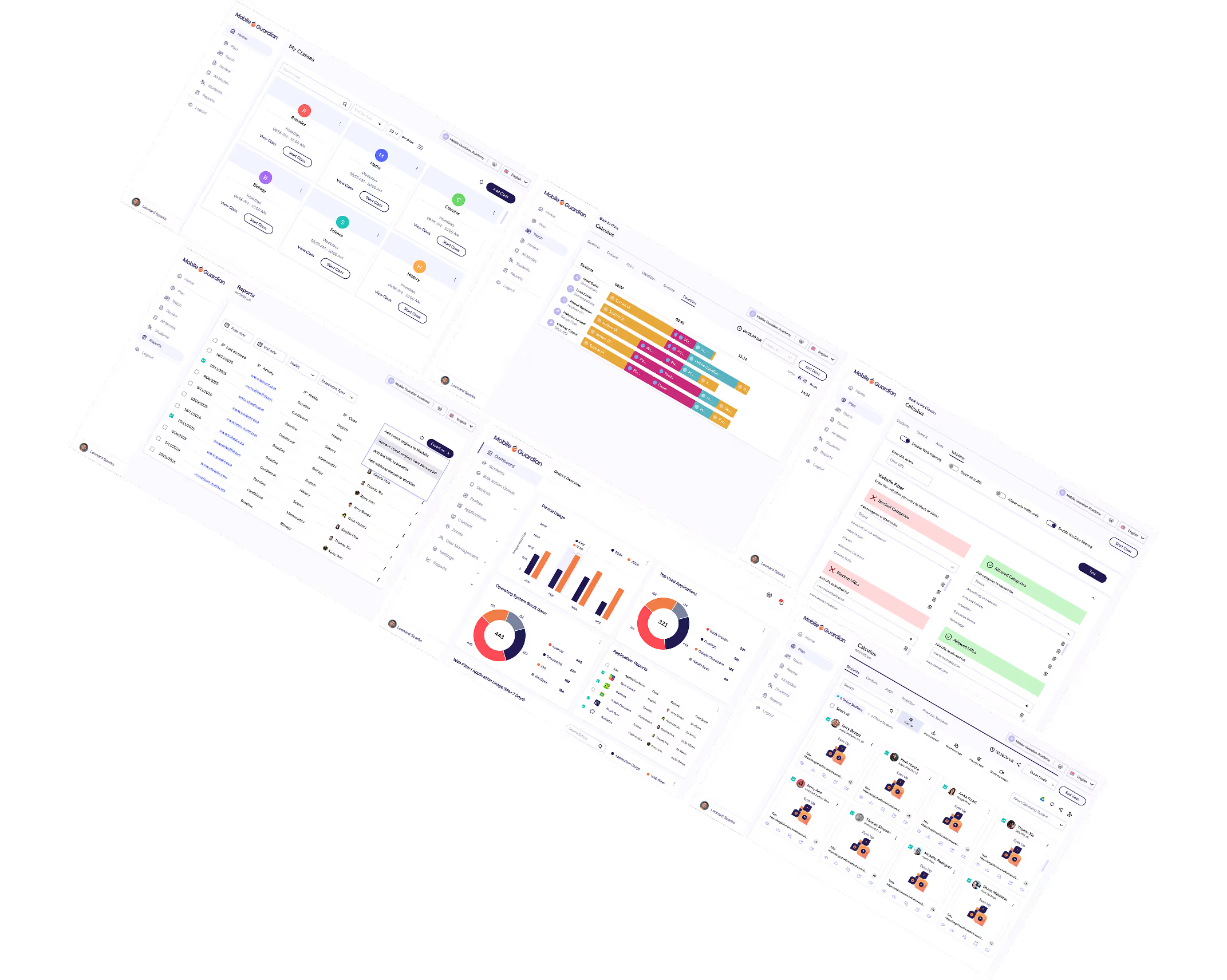
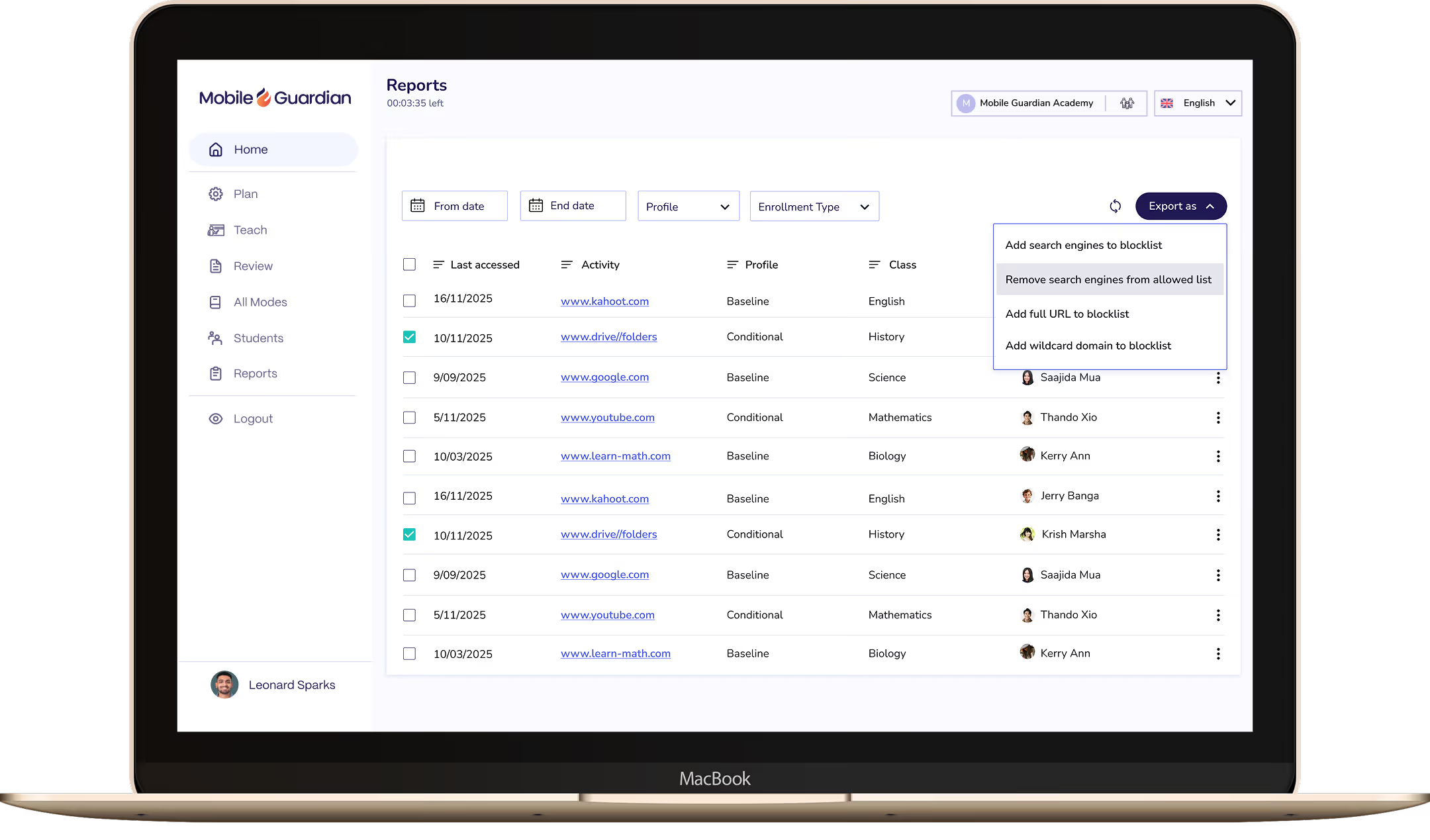
Understand which websites and applications students use most during class, with the data on-hand to spot risk and support reporting.

See every student screen during class in real time, spotting who's off-task and who needs support before it becomes a problem.

Manage every school, grade, and class from a single dashboard with the cross-district visibility to make informed decisions at scale.

Block every student screen in one tap, bringing the class to attention without losing a minute of learning time.

Limit student devices to only the apps and websites the lesson requires. Create focused classrooms with Modes, keeping every student on task from the first minute to the last.

Close distracting tabs or push relevant URLs to every student device in one action, keeping the class on track without breaking flow.
Mobile Guardian integrates directly with Google Workspace for Education, keeping your class lists, student groups, and schedules in sync without manual setup. Less configuration, more teaching.
Mobile Guardian integrates directly with Apple School Manager, syncing device enrollment, class rosters, and app distribution without manual configuration. Deploy at scale, start class ready.
Mobile Guardian integrates directly with Microsoft Teams for Education, keeping class rosters and student groups in sync so the right controls apply automatically. Students are focused, teachers are in flow.
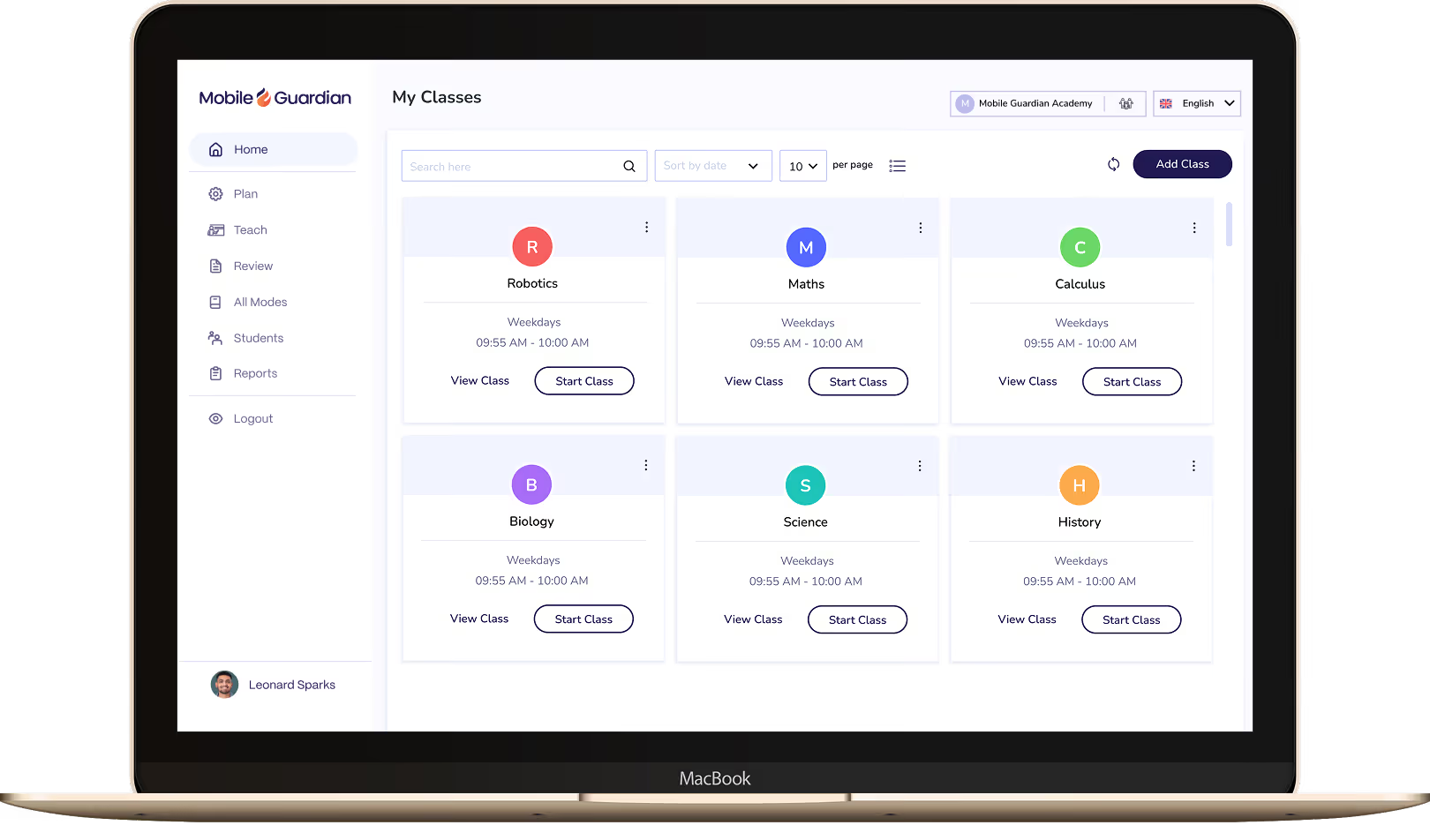

Classroom puts teachers in control of every device in the class, with tools to keep students focused and learning rather than distracted.

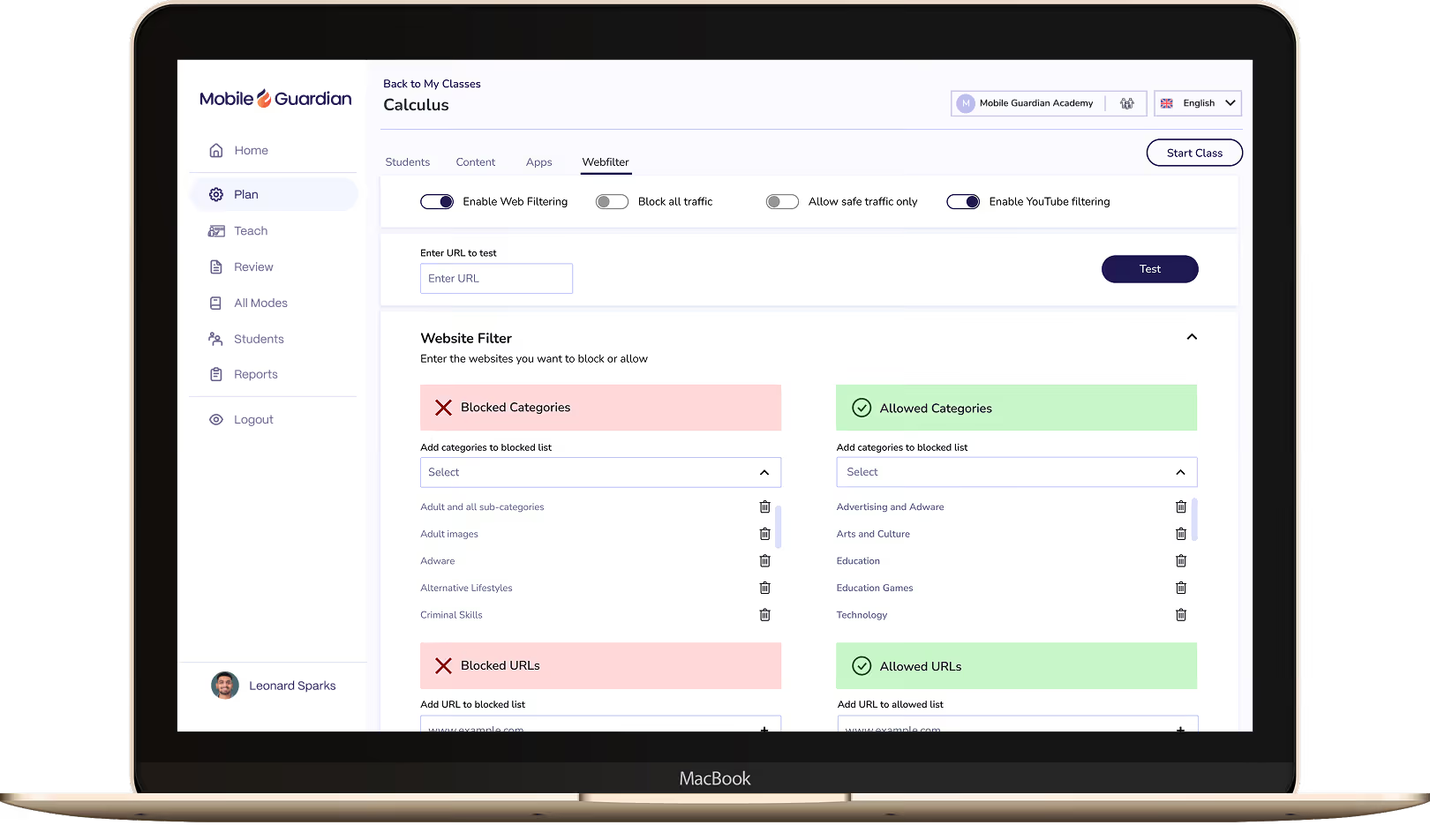
Filter keeps students on-task and safe online, with reports and real-time visibility to meet your school's online safety requirements.

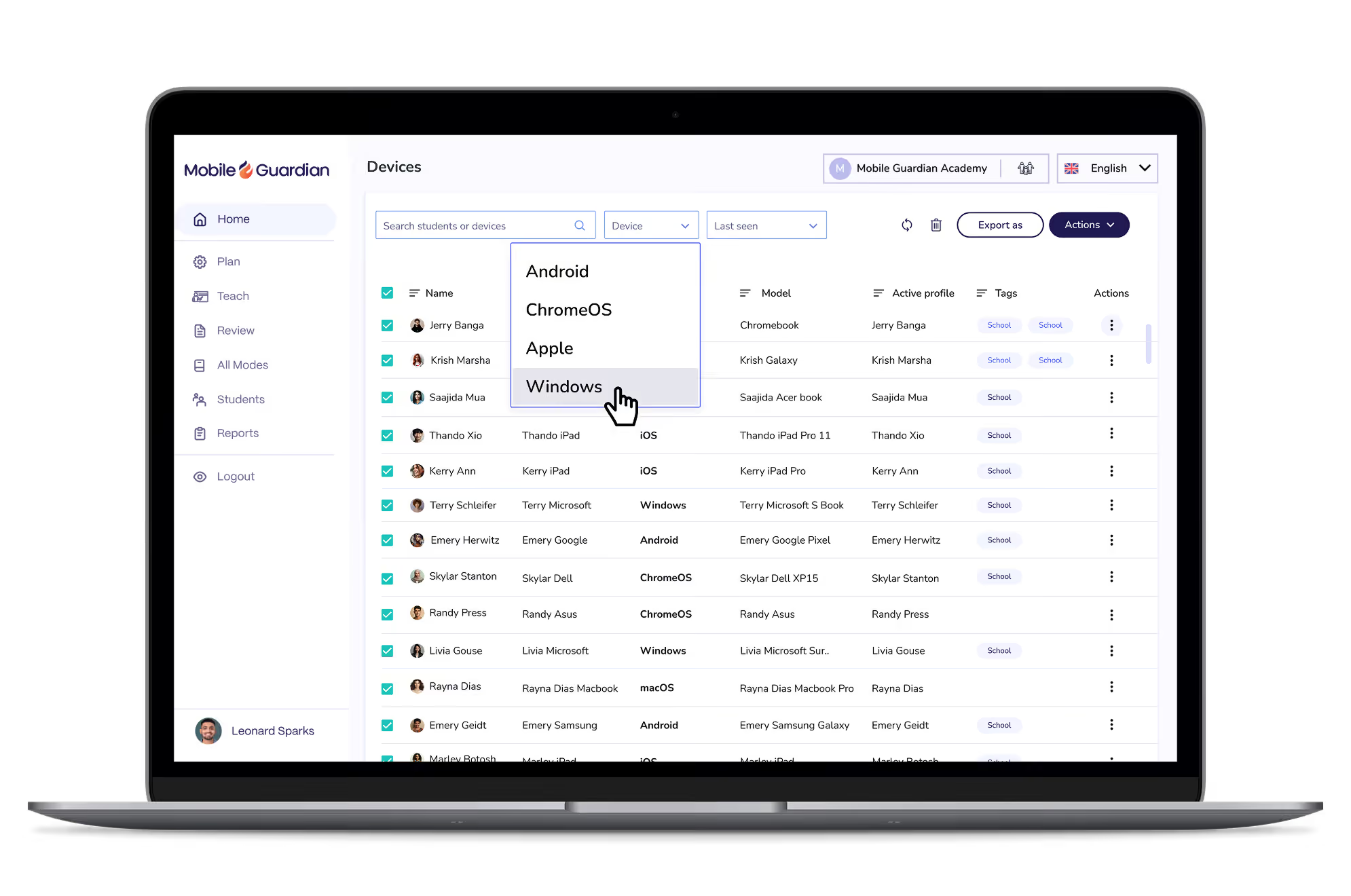
Deploy and manage 1:1 devices across every OS from a single dashboard. Grant your IT team the control and visibility to manage thousands of devices without the complexity.











.png "X(Twitter)")